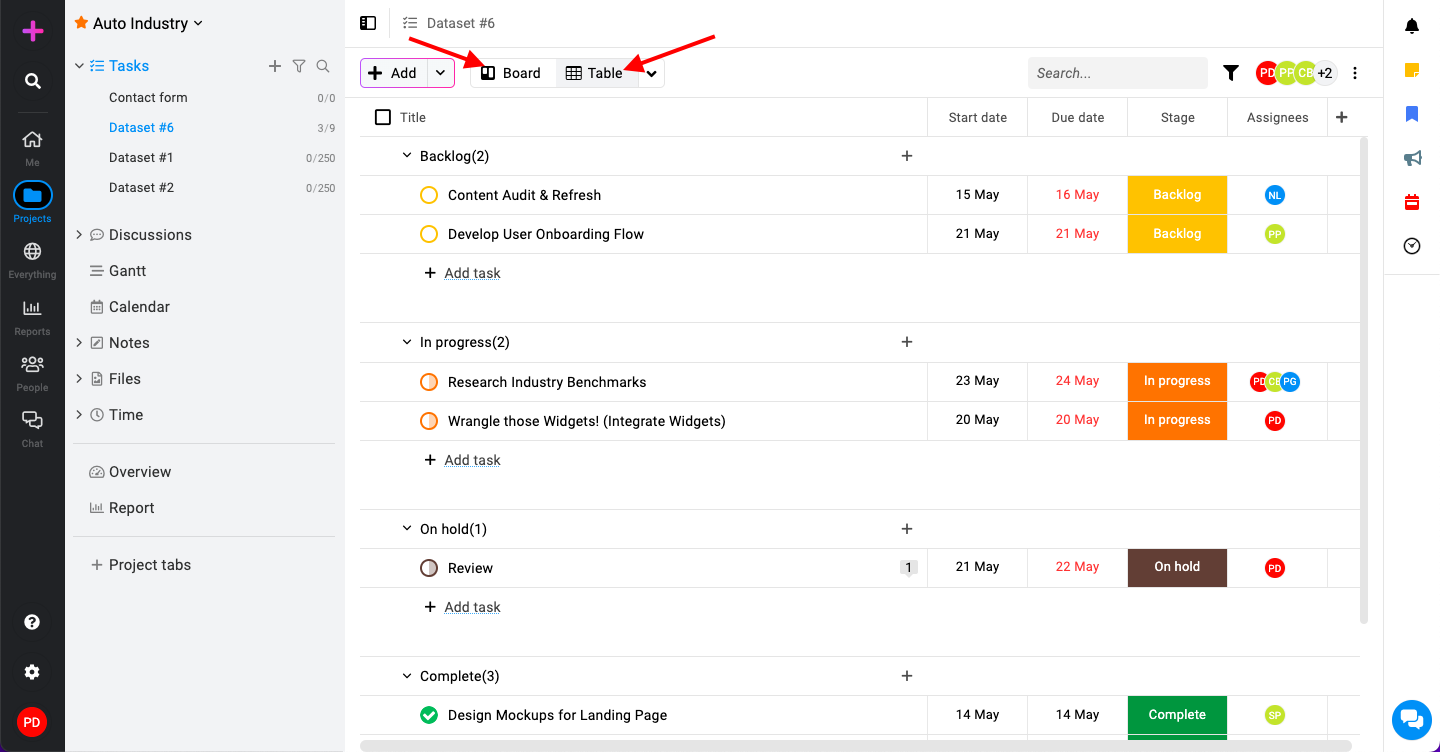
How to change views in tasks
ProofHub offers two main views for managing your tasks: Table view and Board view. Each view provides a different way of organizing and visualizing your tasks, catering to various project management needs.
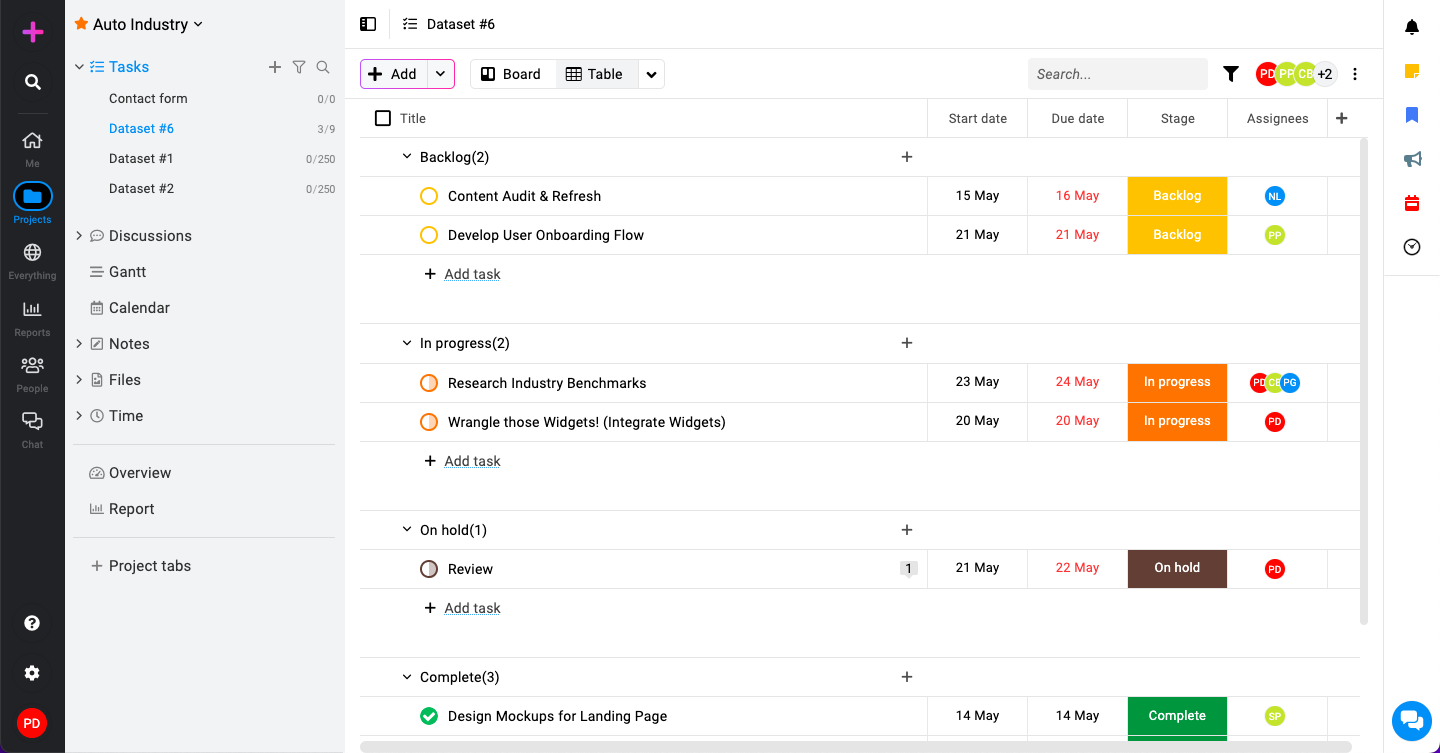
Table view
The table view presents tasks in a tabular format, similar to a spreadsheet. This view displays tasks in rows with columns for different attributes like task name, assignee, due date, status, etc.
Users who prefer a structured, detailed, and linear approach to task management. It’s ideal for tracking and sorting tasks based on various criteria.
Board view
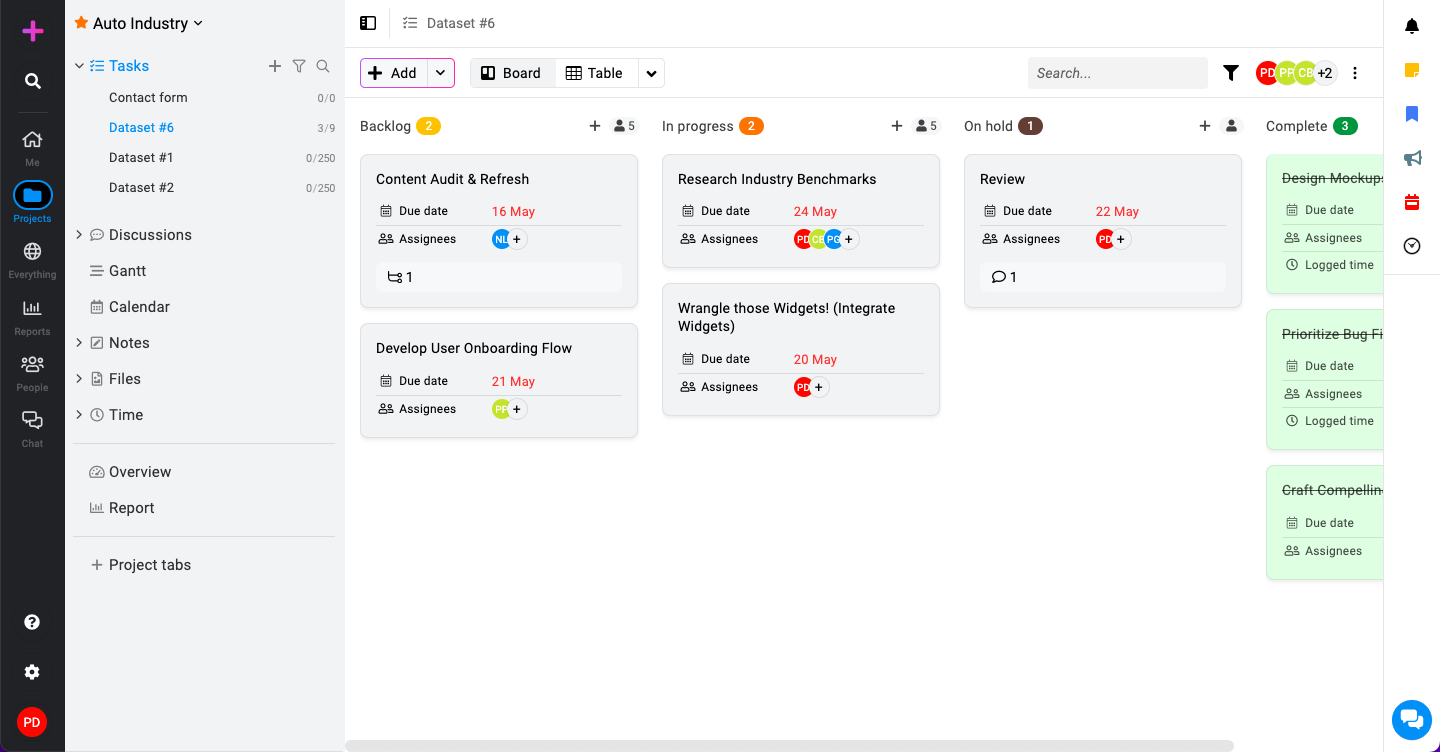
The board view uses a kanban-style layout, where tasks are represented as cards organized into columns. Each column typically represents a different stage of the workflow (e.g., To Do, In Progress, Done).
Users who favor a visual, drag-and-drop interface for managing tasks. It’s great for quickly understanding the status of tasks and moving them through different stages of completion.
Change view
At the top of the “Tasks” section, you will see options to switch between views select “Table view” or “Board view” as per your preference.